How to Build an MCP Server for an Existing API

By
Tom Dallimore
Published

If you already have a working API and your first instinct is to rebuild the whole thing as an MCP server, please do not. You already did the expensive part: the business logic, authentication, validation, data model, and all the weird edge cases somebody discovered in production at 2am. The MCP layer should be an adapter around that API, not a second application you now get to maintain forever.
This guide covers how to build an MCP server manually when that extra control is actually useful. We will wrap a real REST API, expose a deliberately small set of tools, test them with MCP Inspector, handle authentication and errors, then move the same server from local stdio to Streamable HTTP. No toy hello-world server that teaches you precisely nothing about what happens when a real API says 401, 404, or 'absolutely not'.
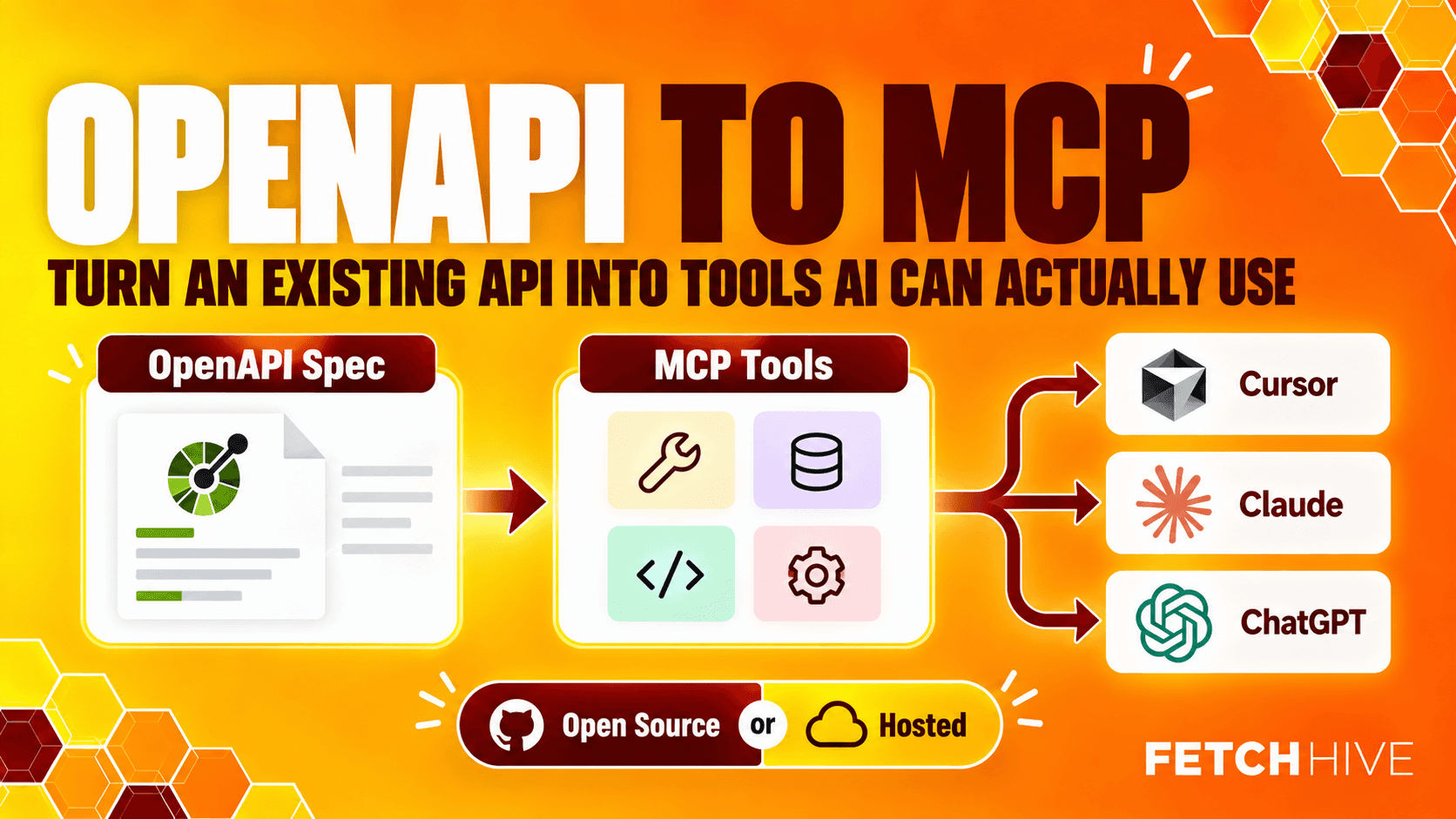
This is also deliberately the companion to the first article in this MCP series, How to Turn an OpenAPI Spec into an MCP Server. If you already have a decent OpenAPI spec and mostly want to turn endpoints into agent-ready tools, I would use the generated route instead of hand-writing wrappers for sport. Fetch Hive's Apache-2.0 open-source mcp-gateway handles the local/self-hosted path, while the hosted MCP Gateway uses the same compiler when you want a managed endpoint. This article is for the cases where you need custom policy, data transformation, permissions, multi-system logic, or tool behavior that a straight OpenAPI mapping should not pretend to solve.
What are you actually building?
The Model Context Protocol is a standard interface between an MCP client and a server that exposes capabilities such as tools, resources and prompts. The client might be Claude Code, Cursor, VS Code, ChatGPT or your own application. Your MCP server sits in the middle and translates an agent-friendly request into whatever your existing API already knows how to do.
The important bit is that MCP does not replace your API. It gives an AI client a cleaner, typed way to discover and call selected API operations.
Existing API | MCP layer | AI client |
GET /products/42 | get_product(product_id: int) | “Show me product 42” |
GET /products?query=desk | search_products(query: str) | “Find desks under this product catalog” |
POST /orders | create_order(...) | “Create the order after confirmation” |
That sounds simple because it is simple. The part that takes thought is deciding what should become a tool, what should stay hidden, how much context the model gets, and what happens when the downstream API returns an error.

Tools, resources and prompts: do not expose everything because you can
MCP gives a server several ways to expose capabilities, but most existing API integrations start with tools.
Tools: Functions the AI model can choose to call. This is where most API actions belong.
Resources: Read-only data addressed by a URI. Useful for documents, schemas, static reference data or other context a client may want to load.
Prompts: Reusable message templates a user can choose in clients that support them.
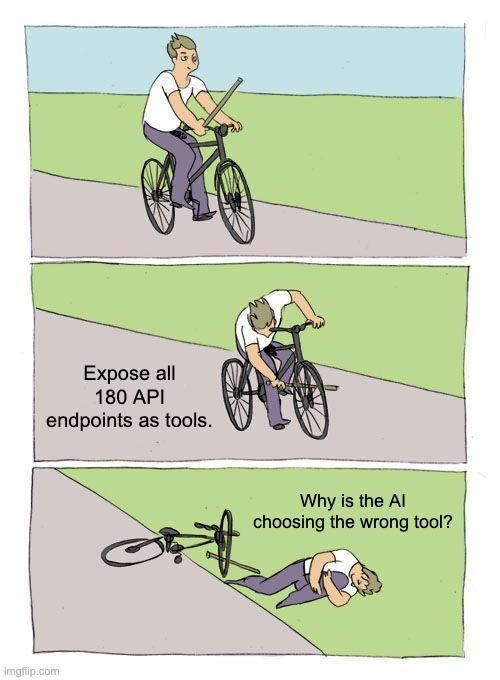
A common first mistake is turning every API endpoint into an available tool. If your API has 180 endpoints, exposing 180 tools is not automatically a win. The model has more descriptions to read, more overlapping choices to confuse, and more ways to call something destructive by accident.
Start with the operations the user actually needs. You can add more tools later. Your first MCP server should be boring enough that you understand every tool it exposes.
The example: wrap an existing product API
We will pretend the API already exists and has these endpoints:
For the first version, we will expose only two read operations: get one product and search products. The delete path stays out of the tool list for now. That is intentional. The fact an endpoint exists does not mean an AI agent needs permission to touch it.
We will use Python because the example code stays compact, but the architecture is the same in other SDKs: define the tool, validate input, call the upstream API, normalize the response, and return result data the model can understand.

1. Create the project and install the MCP library
Create a small project from scratch. I would keep the MCP adapter separate from the existing application code unless it genuinely belongs inside the same service.
mkdir product-mcp
cd product-mcp
uv init
uv add "mcp[cli]" httpx
The MCP package gives us the server implementation and development command. httpx is the HTTP client that will call the existing API. If you prefer pip, that is fine too; the important thing is that you pin and test the versions you actually deploy.
A minimal repository can stay extremely small:
You do not need seven abstraction layers to wrap two functions. Add architecture when the project earns it.
2. Keep API configuration and secrets out of the tool code
Your upstream API key belongs in environment variables or a secret manager, not inside the repository. This is separate from authentication you may later put in front of the MCP server itself. Whether the project lives in a private GitHub repo or somewhere else, keep secrets out of every committed config file.
Then create one small API client so the MCP handlers do not each reimplement headers, timeouts and error handling.
This looks almost insultingly basic, which is good. The wrapper gives you one place for retries, logging, headers and consistent exception handling later.
3. Create your own MCP server
Now build the actual server. The current Python SDK uses MCPServer. Type hints become input schemas, and the function description becomes useful tool metadata for the client and model.
That is already a complete local MCP server. There is no reason to manually write tools/list, tools/call, JSON-RPC dispatch tables, capabilities negotiation and response envelopes unless you are deliberately building at the protocol level. Let the MCP library do protocol plumbing. Your code should stay focused on your domain.
The two tool descriptions matter more than they look. An AI model uses names, descriptions and schemas to decide when to call a tool and which params to send. A description like “gets data” is basically asking the model to guess.
4. Design tools for an AI agent, not for your backend team
Your API was probably designed for application developers. MCP tools are being selected by a model. Those are not quite the same audience.
A useful tool normally has:
A specific name that describes the action.
A description that says when the tool should be used, not just what endpoint sits behind it.
A small input surface with sensible defaults.
Clear types and constraints.
A response containing what the model needs, without fifty internal fields it will never use.
Suppose the upstream response looks like this:
You probably do not want to hand supplier cost and internal identifiers to every AI client. Normalize the data in the handler:
This is one of the nice things about building the layer manually: the MCP server implementation can apply policy instead of blindly mirroring the API.

5. Test the server before connecting an AI client
Do not wire Claude, Cursor and three other clients into a broken server and then debug four things at once. Test the MCP surface first.
The easiest route is MCP Inspector. With the Python SDK installed, run:
The Inspector lets you see the server capabilities, list the available tools, inspect their input schemas, make a request manually and view the raw response or error. It is the fastest way to catch boring mistakes before an agent turns them into confusing mistakes.
For each tool, I would test:
A normal successful request.
Missing or invalid input.
An upstream 404.
An upstream timeout.
An authentication failure.
A response with fields you expected to redact.
If the tool only works on the happy path, it is not complete.

6. Handle errors like another system has to understand them
A human reading a traceback can usually work out what happened. An AI client needs structured, predictable behavior.
Your upstream HTTP client should distinguish things like not found, authentication failure, rate limiting and temporary server errors. Do not catch every exception and return the string “something went wrong”. That is not error handling. That is deleting information.
At minimum, log enough detail to debug the request while returning a safe message to the client. For example:
The exact error model will depend on the SDK and the behavior you want, but the principle is stable: predictable inputs, predictable failures, enough detail to debug, no leaked secrets.
7. Local first: stdio is enough for development
The default server process uses stdio. That is a very good fit when an MCP client is running on the same computer and can launch the server as a child process.
For a local desktop or editor connection, your config usually points the client at a command, script or executable plus any required environment config. The client starts the process, sends MCP messages over stdin/stdout, and shuts it down when the connection closes.
This is the simplest way to prove the server works. No port, no TLS, no reverse proxy, no deploy story yet. Lovely.
8. Switch to Streamable HTTP when the server needs to be remote
When another machine, teammate or hosted agent needs to connect, run the same server over Streamable HTTP:
The MCP endpoint is then available at:
For new remote MCP server work, Streamable HTTP is the transport to build around. If you find an older tutorial centered on server sent events, be careful: the old standalone HTTP+SSE transport is legacy. Streamable HTTP can still use SSE streams where the protocol needs them, but you should not build a new server around the deprecated transport.
If you already have a FastAPI or another ASGI application, you can also mount the MCP app rather than run a separate service. That keeps deployment architecture much cleaner when MCP is simply another interface to an existing system.

9. Authentication has two different trust boundaries
This is easy to muddle because there may be two completely separate credentials.
1. Client → MCP server. Who is allowed to connect to this MCP endpoint? A remote deployment may use bearer tokens, OAuth or another authentication layer.
2. MCP server → existing API. Which credential does the server use to call the upstream API? That is the API key or token we stored separately in config.
Do not send the upstream credential to the AI model and do not assume access to the MCP endpoint should automatically mean unrestricted access to every upstream function. Tool-level permissions, tenant scope and read/write policy still matter.
For destructive tools, add explicit guardrails. A tool called delete_order should not be callable merely because the model happened to notice it. Confirmation, scoped credentials, approval or a read-only preset may be appropriate depending on the risk.

10. Resources, prompts and memory are optional
Once the tool path works, you can expose more context. But do it because a client needs it, not because the protocol has a checkbox for it.
A resource is useful for read-only information such as product taxonomy or documents:
A prompt can package a reusable instruction for a user to select in clients that support prompts:
One clarification because a lot of tutorials blur this: memory is not a core MCP primitive in the same sense as tools, resources and prompts. If your application needs memory, store it in your own system. That might be PostgreSQL, Redis, a vector database or something else entirely. MCP is the interface, not your persistence strategy.
The same goes for agent skills or workflow state. You can expose functions that support those systems, but do not confuse application architecture with protocol capabilities.
11. Add automated tests before you add more tools
The manual Inspector pass is useful. It is not a replacement for tests.
A sensible test suite should cover the tool contract and the wrapped API behavior:
The expected tools are present.
Required input and optional params are correct.
The handler sends the right HTTP request.
A normal API response becomes the expected MCP response.
Sensitive fields never appear.
Known upstream errors turn into known tool behavior.
If your repository has setup scripts or a CI workflow, run these tests there too. The MCP layer is now an API surface of its own. Treat schema changes like API changes.
12. Production hardening: the boring stuff is the actual work
Getting the first MCP server to answer a tool call is the easy bit. Production is where you find out whether you built a reliable integration or a demo.
Before you deploy, think through:
Security: Authentication, scoped permissions, secret storage, request validation and private-network access.
Rate limits: An agent can call a tool more often than a human would click the equivalent button.
Timeouts and retries: Do not let one broken upstream request hang an entire conversation.
Observability: Record tool name, duration, outcome and enough request context to debug failures without logging secrets.
Versioning: Changing a tool name or required input can break client behavior even when the underlying API is still fine.
Tool surface: Revisit whether every exposed method still deserves to be available.
This is also why I would not rush to expose write operations. Read tools let you learn how the model behaves with much less blast radius.
When you should not build the MCP layer manually
Manual MCP server implementation makes sense when the adapter itself contains real application logic: custom policy, multiple upstream systems, unusual authentication, tenant-aware permissions, data transformation, approval steps, or very deliberate tool behavior. In those cases, the hand-built layer is not duplicate plumbing. It is where the important decisions live.
But if your existing API already has a solid OpenAPI spec and you catch yourself manually translating GET /customers/{id} into yet another Python decorator, stop for a second. The OpenAPI to MCP guide covers the generated path end to end. The underlying open-source mcp-gateway project compiles OpenAPI 3.0/3.1 into MCP tools, serves them over stdio or Streamable HTTP, supports local/private-network development with explicit opt-in, and can expose a local server to a remote client through an outbound tunnel. For local development, branch testing, or running the gateway in your own infrastructure, that may be all you need.
The hosted Fetch Hive MCP Gateway is the operational version of the same idea rather than a different product pretending the open-source route does not exist. You can analyze a spec before signing in, review the generated tool surface and readiness findings, then add the bits that become annoying once an endpoint is shared with other people: persistent hosting, scoped access tokens, rate limits and quotas, upstream authentication, tool policy, request logs, and a playground. Use the manual server when you need bespoke behavior. Use the open-source gateway when OpenAPI already describes the API well. Use hosted when you want that generated gateway kept online and operated for you.
A practical checklist for your first MCP server
1. Pick one existing API and a small set of genuinely useful operations.
2. Decide which operations should become tools and which should stay private.
3. Install the current MCP library and keep the adapter project small.
4. Put the upstream API key in environment config or a secret manager.
5. Write precise tool names, descriptions and typed input.
6. Normalize the response so the AI model gets useful data instead of internal garbage.
7. Test tools in MCP Inspector before connecting a real client.
8. Handle common upstream errors and timeouts deliberately.
9. Use stdio locally; move to Streamable HTTP when remote clients need a URL.
10. Add client authentication, permissions, rate limits and logging before a production deploy.
11. Add more tools only when users or agents actually need them.
Notice what is not on the list: manually implementing the entire JSON-RPC protocol because a random tutorial told you to. Unless you are building an MCP library, that is almost certainly not the interesting part of your product.

The takeaway
An MCP server is basically an adapter with opinions. Your existing API still owns the data and business logic. The MCP layer decides what an AI agent can discover, how it calls those functions, what context it receives, and which mistakes are allowed to reach the underlying system.
Start small. Build two useful tools. Test them properly. Keep credentials separate. Make errors understandable. Then connect a real MCP client and see what the model actually does. You will learn more from one boring tool working reliably against a real API than from another architecture diagram containing twelve arrows and the word 'agentic' four times.
And if, halfway through, you realise most of your code is just copying information that already exists in OpenAPI, that is useful information too. Switch to the OpenAPI-to-MCP route and let the open-source gateway do the boring mapping. Keep the custom code for the parts that are actually custom.
Share this post